
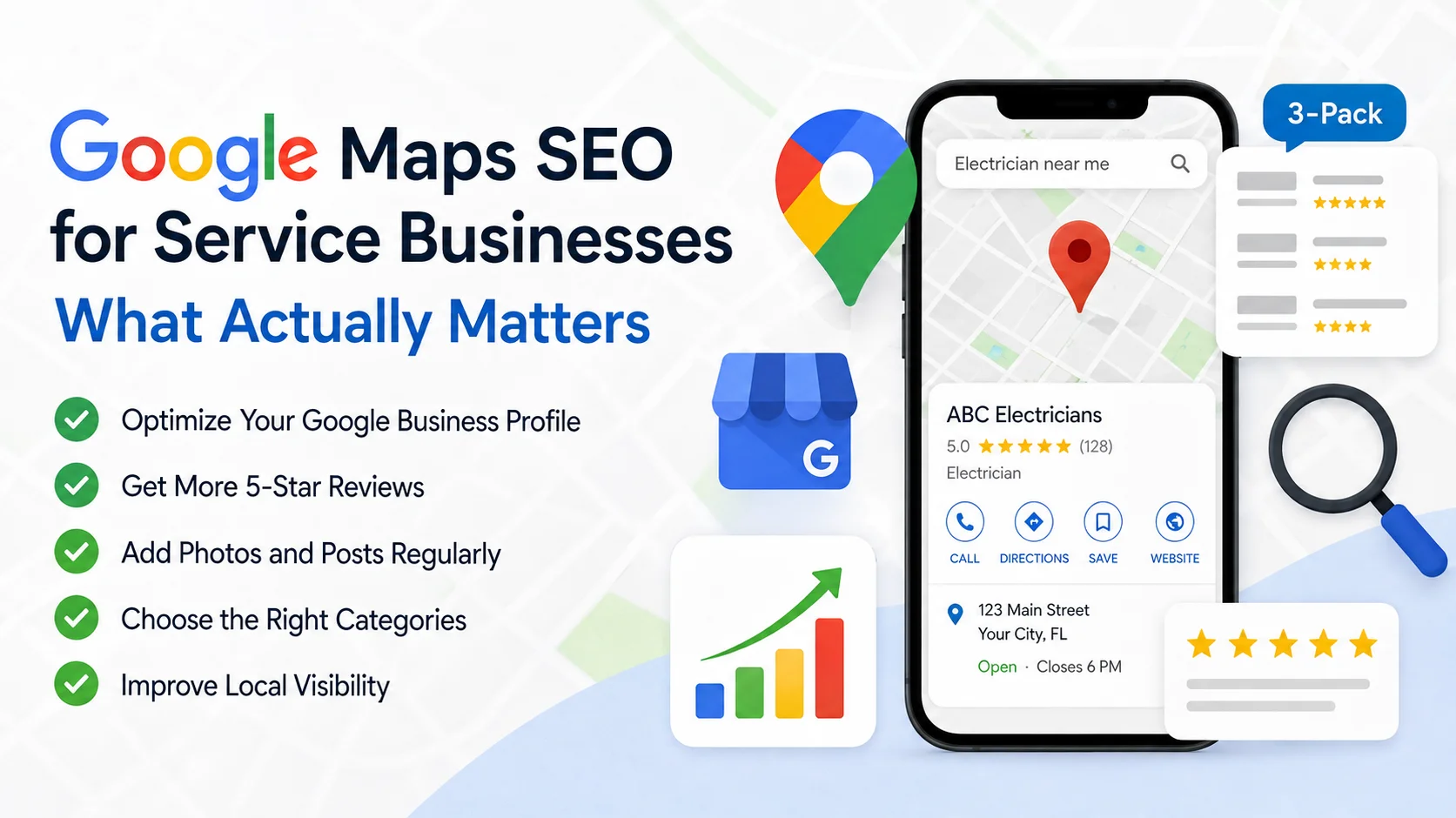
This guide breaks down what actually affects your Google Maps ranking, in plain and simple language, so you know exactly where to focus your time.
Quick Summary
- Your Google Business Profile is the biggest factor in Google Maps SEO
- Reviews, photos, and posts all play a real role in ranking
- Proximity to the searcher matters, but it is not the only thing
- Service-area businesses can rank well too, even without a storefront
- Business categories and accurate details matter more than most people think
How Does Google Maps Rank Businesses
Google looks at three main things when deciding which businesses to show on the map and in the local pack.
Relevance. Does your business match what the person searched for? This comes from your business category, your services, and the words used on your Google Business Profile.
Distance. How close is your business to the person searching, or to the area they searched in?
Prominence. How well-known and trusted is your business? This comes from reviews, mentions online, and how complete your profile is.
No single factor decides your ranking. Google blends all three, which is why a well-optimized profile often beats a business that is simply closer.
What Actually Affects Google Maps Rankings
Your Google Business Profile
This is where most of the ranking work happens. A complete Google Business Profile with the right category, accurate hours, a full list of services, and regular updates tends to rank higher than one that is left half-finished.
Google Reviews
Yes, reviews help. Google looks at how many reviews you have, how recent they are, and what they say. Businesses that reply to reviews tend to do better than those that stay silent.
Photos
Photos are not just for looks. Businesses with regular, recent photos signal that the profile is active and trustworthy, which helps with ranking.
Google Business Profile Posts
Posting updates, offers, or news on your profile keeps it active in Google's eyes. It is a small effort that adds up over time.
Proximity
Distance does matter, but it is not the whole story. A business slightly farther away can still outrank a closer one if its profile is stronger and more trusted.
Business Categories
Choosing the right primary category and adding accurate secondary categories helps Google understand exactly what you do. This directly affects which searches you show up for.
Can a Service-Area Business Rank on Google Maps
Yes. If your business travels to customers instead of having a storefront, you can still rank well. Here is how.
- Hide your exact address if you do not serve walk-in customers, and set this correctly in your Google Business Profile settings
- List every city or area you actually serve
- Keep your service list detailed and accurate
- Collect reviews just as consistently as a storefront business would
Service-area businesses often struggle here simply because they skip these steps, not because Google treats them unfairly.
Does Adding Service Areas Improve Google Maps Rankings
Yes, listing your service areas helps Google understand where you operate, which improves your chances of showing up in searches from those areas. Just make sure you only list places you genuinely serve. Adding areas you do not actually cover can hurt trust and lead to wasted leads.
How Do I Get Into the Google Maps 3-Pack?
There is no single trick, but these steps make the biggest difference.
- Fully complete your Google Business Profile, including hours, services, and photos
- Choose the most accurate primary category for your business
- Collect reviews steadily, and respond to each one
- Keep your business name, address, and phone number consistent everywhere online
- Post updates on your profile regularly
- Build local backlinks and mentions from other South Florida businesses or directories, or through SEO-focused content that other sites want to link to
Why Is My Business Not Showing on Google Maps
A few common reasons:
- Your profile is incomplete or missing key details
- Your business category does not match what people are searching for
- You have few or no recent reviews
- Your name, address, or phone number does not match across the web
- Your profile was recently created and has not built up trust yet
- Your listing may have been suspended or flagged, which is worth checking directly in your profile dashboard
How to Optimize Your Google Business Profile
Here is a simple checklist to work through.
- Claim and verify your profile if you have not already
- Choose the right primary category and add relevant secondary categories
- Fill in every section, including services, hours, and attributes
- Add fresh photos every month
- Post updates weekly if you can
- Ask every happy customer for a review
- Reply to every review, good or bad
- Keep your details consistent across your website and other directories
The Part Google Maps Rankings Cannot Fix
Ranking higher on Google Maps gets more people calling and clicking. But if those calls go unanswered, or a message sits unread overnight, all that ranking work goes to waste. Getting found is only half the job.
That is the gap an always-on AI receptionist closes. It answers every call, text, and message the moment it comes in, so the leads your Google Maps ranking earns actually turn into booked appointments instead of missed opportunities.
Ready to turn your Google Maps traffic into booked appointments?
Try an AI receptionist that answers every call, text, and booking request instantly, day or night, so no lead ever slips through. See how it works or book a free strategy session.