
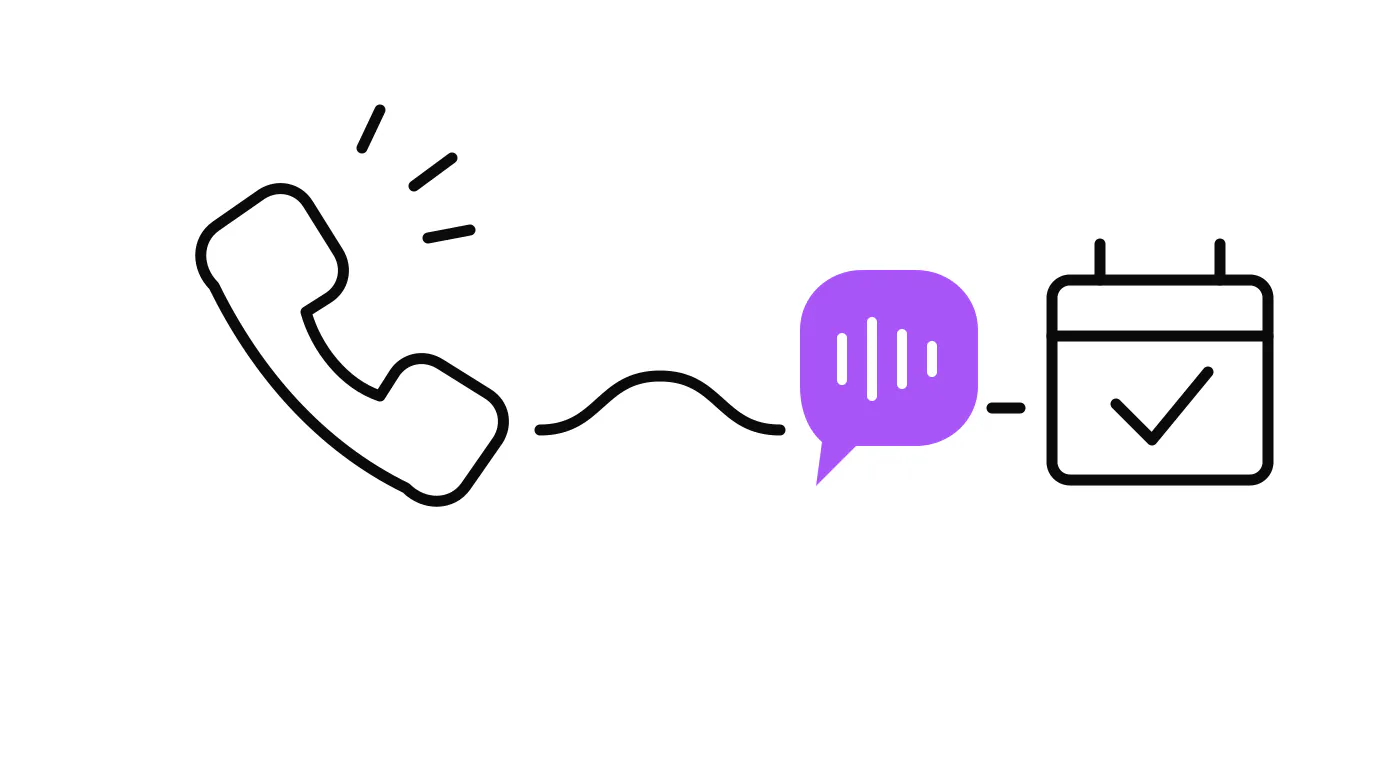
An AI receptionist for a small business is a voice and text agent that answers every call, chat, and text your team cannot get to: it greets callers by name when your CRM is connected and they are in your contacts, answers the questions it has been trained on, books confirmed appointments into your live calendar, and transfers the call to a person when the conversation goes beyond its scope. It runs 24 hours a day, seven days a week, including nights, weekends, and holidays, without ever going to voicemail.
That is the plain definition. The rest of this covers what happens on an actual call, what it costs when no one answers, what to demand from any AI receptionist before you trust it with your line, and where the technology genuinely falls short. We run one ourselves, so nothing here is theoretical.
What Does an AI Receptionist Handle on an Actual Call?
A properly built AI receptionist handles the five things that make up the majority of inbound calls for most service businesses: greetings and qualification, common FAQ answers, appointment booking, message-taking, and escalation to a live person.
Walk through a real scenario. A homeowner in Stuart searches for an HVAC company at 9 p.m. She calls. The AI answers in two rings, asks what she needs, she says the AC is not cooling. The agent confirms her address, explains the after-hours fee, and offers the next available slot. She confirms. The slot is blocked, she gets a confirmation text, and the owner wakes up to a booked job he did not touch. That is the core loop.
Now the same call goes differently. She asks about a refrigerant brand the AI was not trained on. The agent says it does not have that answer and offers two options: send a message to the team now for a morning reply, or stay on to speak with someone. She picks the callback. The agent logs the question and contact. No lead is lost; the AI handed it cleanly to the right person.
What Does It Cost When Nobody Answers?
It costs more than most owners realize, because missed calls leave no visible record. There is no complaint, no invoice, just a month that came in softer than it should have.
A 2024 study analyzing 85 businesses across 58 industries found only 37.8% of calls were answered live. The other 62% went to voicemail or received no response at all. Most businesses are losing more than half their inbound calls.
Voicemail is not the safety net it feels like. Research on missed-call behavior consistently shows that the overwhelming majority of callers who reach voicemail hang up and call the next business on the list. They are not loyal to you yet. You are one of three numbers they found in a search five minutes ago. The one that picks up gets the job.
Speed compounds the problem. Every minute without a response lets that caller move to the next result on the list. On the builds we run at Lyfework, a new lead gets a first touch in about 12 seconds. That is the system doing its job, not a person being unusually fast.
What Do Callers Actually Experience?
Most callers in 2025 and 2026 do not immediately identify a well-built AI voice agent as AI. Voice quality has improved substantially in the last two years, and the gap between a natural AI voice and a human receptionist on a mobile connection is narrower than most people expect.
That said, a well-built system does not pretend to be human. If a caller asks directly, it says it is an AI assistant and offers to connect them with a team member. That transparency matters: the moment a caller feels deceived, you have lost the trust you were trying to build. The goal is a caller experience that is clear, fast, and useful, not one that tricks anyone.
The objection most owners raise is that customers will hang up in frustration. The data says the opposite risk is larger. Consider what the caller hears when the AI does not pick up: four rings, a generic voicemail greeting, a beep.
The question is not whether callers prefer a human. Of course they do. The real question is whether they prefer an AI that answers immediately to a voicemail that goes unanswered. On that comparison, the AI wins every time.
How Is This Different from a Phone Menu (IVR)?
An AI receptionist is not a phone menu, and the difference matters because most owners have been burned by IVR systems and conflate the two.
A phone menu plays a pre-recorded script: press 1 for sales, press 2 for support. It responds only to inputs you programmed. A caller who says "I need someone to look at my roof before the storm this weekend" gets nothing useful from that tree.
An AI receptionist holds a real conversation. It understands natural language, handles questions you did not anticipate, and adapts to what the caller actually says. The experience is closer to a front desk person than a decision tree. It is built on modern AI models, not recorded prompts.
When Does an AI Receptionist Fall Short?
Most guides skip this. There are four situations where it needs significant human backup.
Complex custom quotes. A caller wanting a price on a large commercial job is not getting it from an AI. The system should collect details and schedule a consultation, not attempt a quote it cannot give accurately.
Emotionally distressed callers. A homeowner with water coming through the ceiling during a storm is not in the mood for a calm AI exchange. A good system detects distress signals and escalates fast. A bad one keeps asking for address confirmation while the caller gets angrier.
Heavy accents and poor call quality. AI voice models still perform worse on non-native English speakers and degraded audio. If a meaningful share of your callers fall into that group, audit real call recordings before relying on the system fully.
Compound questions with embedded lookups. "Can you book Tuesday, check my invoice from two months ago, and confirm whether my warranty covers it?" needs a human or a much more integrated system. The AI receptionist handles the standard inbound call well. These four are where the handoff is not optional.
What Should You Demand from Any AI Receptionist?
Before you trust any AI system with your phone line, ask these three questions. The answers tell you whether you are buying an operations tool or a product demo.
1. Does it have guardrails on what it will promise? The AI should refuse commitments outside its scope: no prices it does not have, no timelines it cannot confirm, no invented service details. Our own chat agent on lyfework.io has been tested on this: a visitor tried four times to book using junk contact details. The agent refused every attempt and pointed him to the self-serve booking page. That refusal is the system working correctly.
2. Is the handoff to a human clean? A warm transfer means the AI tells the caller it is connecting them, gives them context on who is coming next, and passes call notes along. A cold transfer drops the caller into a ringing phone with no context. Any system that cannot describe its escalation path is not ready for your line.
3. Does it write to your actual calendar and CRM? A booking that lands in a separate system you must manually transfer is a new manual step wrapped in AI branding. The appointment needs to land in your live calendar with a customer confirmation attached. One action, one record.
We Run One Ourselves. What Do We See?
Our own phone line at Lyfework is answered by an AI voice agent around the clock. It greets callers, answers questions about what we do, books strategy calls directly into the founders' calendars, and warm-transfers to a human when someone asks for a person. We built it because we were missing evening and weekend calls, and those are often the highest-intent callers: the business owner who finally has a quiet moment to reach out about a project they have been sitting on for weeks.
In practice: most callers do not push back on the AI. They ask their question, get an answer or a booking, and move on. The ones who want a human get transferred without friction. The system has not replaced the conversation. It has made sure every conversation gets started rather than dropped.
That is the case for an AI receptionist as an operations layer, not a tech product. You are not installing it to impress anyone. You are installing it because the competitor down the street will have one, and callers will not wait for the business that does not answer.
How Does the Cost Compare to a Part-Time Receptionist?
A part-time human receptionist covers a fixed window: typically 20 to 30 hours a week, Monday through Friday, no evenings, no weekends, no holidays. They call in sick. They quit. They need training every time your services change.
The U.S. Bureau of Labor Statistics puts the median annual wage for a receptionist at $37,230 (2024 Occupational Employment and Wage Statistics), and that is before payroll taxes and benefits, which typically add 25 to 30 percent on top. A part-time arrangement still leaves your evenings and weekends uncovered and still depends on a single person showing up.
An AI receptionist runs all 168 hours a week for a fraction of that cost. The comparison is not about replacing someone good. It is about covering the hours your payroll cannot reach, which for most service businesses is where the majority of after-hours and overflow calls land. Market rates vary by call volume and integration depth. Run the numbers against your own missed-call volume and average job ticket before deciding.
How Do You Know If Your Call Volume Justifies It?
Pull last week's call log and count the calls that rang out unanswered or went to voicemail. Multiply by four. That is a rough monthly number of calls your current setup cannot handle. Then multiply by your average job value and apply a conservative recovery rate. If the revenue you are likely leaving on the table is meaningfully larger than the monthly cost of the system, the math works. For most service businesses that take 30 or more inbound calls a week, it clears easily.
The businesses where it does not pay are the ones taking very few calls and where each call is so complex it always needs a specialist from the first ring. That is a real category, mostly in professional services with highly bespoke intake, and for them a simpler message-taking system with fast human callback is a better fit than a full AI receptionist.
For everyone else: the cost of a missed call is invisible. You do not see the caller who tried twice and booked with a competitor. You just see a month where the numbers came in a little soft. The full picture of how service businesses lose leads maps that leak end to end. An AI receptionist plugs the after-hours and overflow piece of it. The agentic systems layer connects it to everything else: the follow-up sequence, the chat agent, the lead routing. One piece does not solve the problem. The full system does.
So Is an AI Receptionist Worth It?
An AI receptionist for a small business answers what your team cannot: the call at 10 p.m., the chat on a Sunday, the overflow when every line is busy. It books confirmed appointments, answers the questions it knows, and escalates cleanly when it hits one it does not. It does not replace a great human receptionist on the hours they work. It covers the hours they cannot.
The three things that make the difference between a system worth trusting and one you will turn off inside a month: tight guardrails on what the AI will promise, a clean handoff path when it cannot help, and real integration with the calendar and contact system you actually use. Get those three right and the AI receptionist is an operations asset. Miss any one of them and it is a liability that calls you every time something goes wrong.
If you want to see what this looks like in practice before committing to anything, start with the systems overview or book a strategy call and we can walk through whether the call volume justifies the build for your specific business.
An AI receptionist works best when it sits behind a website that earns the call in the first place. Our web design and conversion services build that front-end layer for local service businesses, and our visibility and local search services help you show up when customers are actively searching for what you do.