
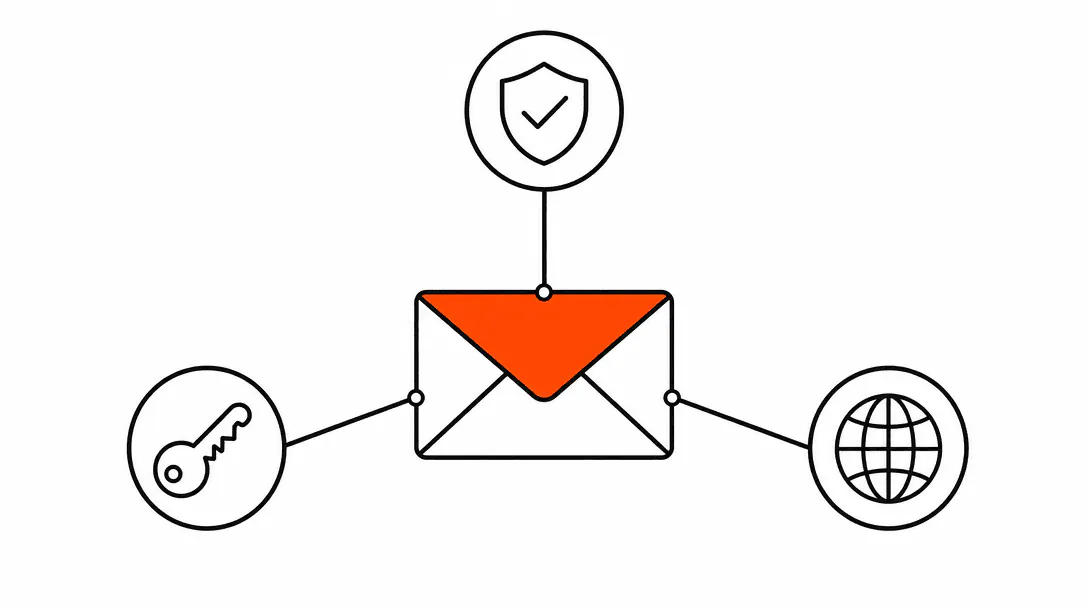
Your business emails are going to spam because receiving mail servers have no way to verify that your domain actually sent them. SPF, DKIM, and DMARC are the three DNS records that fix this. Together they prove to Gmail, Outlook, and every other inbox provider that a message came from you, was not altered in transit, and should be delivered. Miss any one of them and the spam filter decides for itself, usually not in your favor.
This is not a deliverability technicality. It is a revenue plumbing problem. Every quote you send after a job walk, every booking confirmation your scheduling system fires off, every invoice that needs to be paid: if those messages land in spam, the customer never sees them. The deal stalls, the appointment gets missed, the payment gets delayed, and you have no idea why because the email appeared to send just fine on your end. This post is part of our broader website foundation guide covering the infrastructure layer that keeps a service business reachable online.
What is SPF and what does it actually do?
SPF (Sender Policy Framework) is a DNS record that tells receiving mail servers which IP addresses are authorized to send email on behalf of your domain. When you publish an SPF record, you are essentially giving Gmail and Outlook a whitelist: "Any email claiming to be from @yourbusiness.com should only come from these servers." If a message arrives from an IP address not on that list, the receiving server can treat it as suspicious.
Without SPF, anyone can write an email that says it came from your domain. Spammers do this constantly, which is precisely why inbox providers are suspicious of domains with no SPF record. Your legitimate emails get caught in the same net as forgeries.
An SPF record looks like a single line of text in your DNS settings. A typical one for a business using Google Workspace reads: v=spf1 include:_spf.google.com ~all. The include: part tells receiving servers to trust Google's mail servers. The ~all at the end is a soft fail, meaning mail from other sources should be treated with suspicion but not outright rejected. You can also use -all for a hard fail, though you should be certain you have listed every sending source before doing so.
One important constraint: you can only have one SPF record per domain. If you have multiple email services sending on your behalf (your main email plus a CRM, a booking tool, a billing platform), all of their authorized servers need to be listed in a single record. Duplicate SPF records break authentication entirely.
What is DKIM and how is it different from SPF?
DKIM (DomainKeys Identified Mail) adds a cryptographic signature to every outgoing email, allowing the receiving server to verify that the message was not altered after it left your server. SPF checks where the email came from; DKIM checks that what arrived matches what was sent. Both are needed because they cover different attack vectors.
Here is how it works: your email provider generates a pair of cryptographic keys. The private key stays on the mail server and is used to sign each outgoing message. The public key is published in your DNS as a TXT record. When a receiving server gets your email, it retrieves the public key from your DNS and uses it to verify the signature on the message. If the signature matches, the message is confirmed as genuine. If it does not match (because someone intercepted and modified the message), the signature check fails.
In practical terms, DKIM protects your customers from receiving an email that looks like it came from you but has been tampered with. It also dramatically improves your deliverability because inbox providers trust signed messages significantly more than unsigned ones.
Setting up DKIM through Google Workspace or Microsoft 365 is straightforward: you go into your email admin panel, generate the DKIM key, then copy the TXT record it gives you into your domain's DNS. The process takes about ten minutes, but you have to wait for DNS to propagate before the signature starts working.
What does DMARC actually do?
DMARC (Domain-based Message Authentication, Reporting and Conformance) is a policy record that ties SPF and DKIM together and tells receiving servers what to do when an email fails either check. It also sends you reports so you can see exactly who is sending email from your domain and whether those messages are passing authentication.
A DMARC record has a few key parts. The p= tag is the policy: p=none means "monitor but do not take action," p=quarantine means "send failing messages to spam," and p=reject means "block failing messages entirely." The rua= tag specifies an email address where you want aggregate reports delivered. A minimal starting record looks like: v=DMARC1; p=none; rua=mailto:dmarc@yourbusiness.com.
Start with p=none. This lets you collect reports and understand what is sending email from your domain without risking blocking legitimate messages. Once you can confirm that all your sending sources (your email client, CRM, booking system, billing software) are passing authentication, you can tighten the policy to p=quarantine and eventually p=reject.
The DMARC aggregate reports arrive as XML files, which are not readable without a tool. Free services like DMARC Analyzer, dmarcian, or Postmark's DMARC digests translate those reports into readable dashboards. The key thing to look for before tightening your policy: any sending source that is failing authentication needs to be fixed or explicitly authorized before you move to p=reject.
Why did Google and Yahoo start requiring these records?
Google and Yahoo updated their sender requirements in February 2024 to mandate SPF, DKIM, and a DMARC policy for bulk senders (those sending more than 5,000 messages per day). Below that threshold, the records are not technically mandatory, but both providers use them as strong signals in their spam-filtering decisions. A domain with no SPF or DMARC is far more likely to be filtered, regardless of volume.
The practical consequence for a service business is straightforward: if you send quotes through a CRM, booking confirmations through your scheduling software, or marketing emails through any email platform, your domain likely hits that threshold or is close to it. Even if you do not, the spam filtering gets more aggressive every year. Publishing these records now costs you nothing. Not publishing them costs you deliverability you may not even notice losing until a customer asks why they never got your follow-up.
Average time before an inbound lead is first contacted. If your emails land in spam, that window never opens at all.
How do you check whether your domain is set up correctly?
The fastest check is mail-tester.com. It gives you a temporary email address. Send a real email from your business email account to that address, then click the link to see your score. The tool checks SPF, DKIM, DMARC, and several other factors and scores your setup out of 10. A score below 8 almost always means at least one record is missing or misconfigured.
For looking up individual records, MXToolbox (mxtoolbox.com) lets you enter your domain and check SPF, DKIM, and DMARC records separately. You can see exactly what is published and whether it is formatted correctly. For DKIM specifically, you need to know your "selector" (a prefix your email provider uses to identify which key to look up). Google Workspace uses google, but other providers differ. Your email admin panel will tell you the selector when you set up DKIM.
When we audit a new client's email setup, mail-tester.com is the first place we go. A score below 8/10 is almost always the result of a missing SPF record, a broken DKIM key that was never fully published, or no DMARC record at all. We have seen service businesses whose estimate follow-up emails had been landing in spam for months without anyone realizing it. The owner kept sending follow-ups, the customer kept not replying, and the jobs that could have booked simply did not. Once authentication was corrected, customers started actually responding to quotes again.
What happens when you have multiple systems sending email from your domain?
This is where most small business email setups get complicated. Your main email (Google Workspace or Microsoft 365) is easy to configure. The problem is everything else: your CRM sends appointment confirmations from your domain, your booking software sends reminders from your domain, your invoicing tool sends payment requests from your domain. Each of those services has its own mail servers, and each one needs to be authorized in your SPF record and have DKIM configured.
If a service sends email on your behalf but is not listed in your SPF record, those messages will fail authentication. Depending on your DMARC policy, they either land in spam or get rejected entirely. This is why you need to read DMARC reports before tightening your policy: the reports show you exactly which servers are sending from your domain so you can verify them before locking things down.
An HVAC company we worked with had a similar situation. Their estimate follow-up emails had been silently landing in spam for six months. Their primary Google Workspace email had SPF set up correctly, but the field service software they used to send estimates had its own mail servers that were never added to the SPF record. The DKIM key for that software had also never been published in DNS. Once we corrected the DKIM record for the field service platform and updated the SPF to include its sending servers, customers started actually seeing and replying to quotes for the first time. The fix took under an hour; the problem had been running undetected for half a year.
The integration question connects to a bigger pattern we cover in our guide on CRM pipelines for service businesses: every tool that touches your customer communication needs to be wired correctly into your domain's authentication framework, or its messages become unreliable.
How do SPF, DKIM, and DMARC relate to your website security?
Email authentication and website security sit in the same layer of your business infrastructure: domain configuration. Your domain is the root of your digital identity. SSL certificates, security headers, and email authentication records all live at this level and work together to make every customer touchpoint trustworthy. A gap in any one of them creates a vulnerability that can undermine the others.
For example, if your domain has no DMARC policy and someone spoofs your address to send a phishing email to a customer, that customer may lose trust in emails from you even after you fix the problem. Correct authentication also affects how SSL and security headers are perceived in combination: browsers and inbox providers both treat a correctly configured domain as a more credible signal.
From a practical standpoint, get email authentication set up in the same session as you set up your domain and hosting. It takes an extra thirty minutes and it is infrastructure you should never have to revisit once it is correct. Email is also one piece of the broader digital foundation that lets your visibility and search presence deliver leads that actually reach you. A misconfigured email domain means inquiries from Google, maps, and referrals quietly disappear before anyone sees them. If you use automated follow-up or AI systems to respond to inbound leads, those messages are also subject to your domain's authentication record, making automation that works reliably dependent on the same DNS setup covered here.
What is sender reputation and why does it matter?
Sender reputation is the score inbox providers assign to your domain (and the IP addresses that send from it) based on your sending history. A domain with no authentication records, a history of spam complaints, or inconsistent sending patterns will have a poor reputation. A domain with clean authentication, consistent sending, and low complaint rates builds a good one over time.
Authentication records alone do not guarantee delivery. They are the baseline that gets you into the game. Your reputation is built on top of that baseline through consistent, legitimate sending. If your domain previously had poor authentication and messages were being marked as spam, fixing SPF, DKIM, and DMARC stops the damage but does not reset your history overnight. Reputation rebuilds gradually over weeks of clean sending from a correctly configured domain.
This is also why you should not use your primary business domain for cold email outreach or bulk promotional sending. Keep transactional mail (quotes, confirmations, invoices) on your main domain, and use a separate domain or subdomain for high-volume campaigns if you run them. Protecting your transactional sending domain from reputation damage caused by promotional email is one of the most overlooked pieces of email infrastructure for service businesses.