
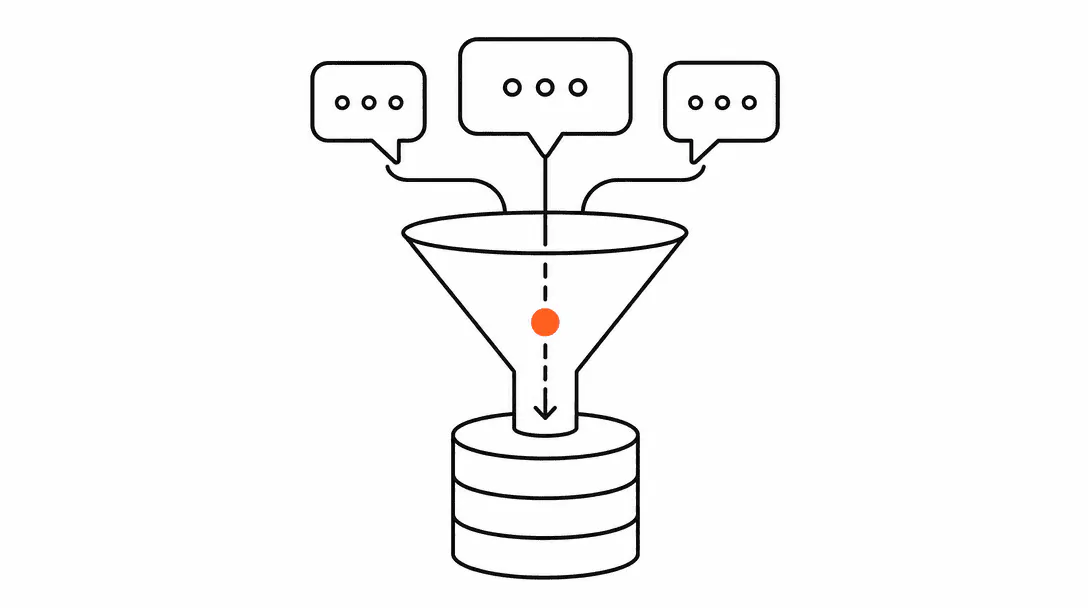
When an AI agent finishes a conversation with a website visitor or a caller, that conversation should leave a clean record in your CRM: the contact's name and number, what they asked about, what stage they are at in your pipeline, and what follow-up is queued. That is the write path. When it works, your team wakes up to a CRM that already knows who called and why. When it does not work, you get a growing pile of orphaned conversations and a database nobody trusts.
This post is part of the agentic systems overview series. It covers the mechanics of how AI agents pass data into a CRM, what a clean post-conversation record looks like, and the one prerequisite that every build needs before the agent configuration even starts.
What does AI CRM integration actually mean?
AI CRM integration means the agent can read from and write to your contact database without a human in the middle. It is a core component of the AI receptionist and automation systems Lyfework builds for service businesses. The agent collects information during the conversation (name, phone, email, what service the person needs, whether they are a new or returning contact), then pushes that structured data to the CRM via an API connection or a webhook. The CRM creates or updates the contact record, applies the right tags, moves the contact to the correct pipeline stage, and optionally queues a follow-up task for someone on your team.
The word "integration" gets used loosely, so it is worth being precise. Connecting a chatbot to a form that emails you a lead notification is not CRM integration. True integration means the agent can look up whether a contact already exists, decide whether to create or update, and write structured data to specific named fields in your CRM schema. That two-way read/write capability is what makes the system useful beyond the conversation itself.
What is the write path from conversation to CRM record?
The write path is the sequence of actions the agent takes the moment a conversation ends. It follows five steps in order, and every step has to work for the data to land cleanly.
Step 1: Data extraction. The agent reviews the conversation and pulls out the structured fields it is configured to capture. At minimum: name, phone, email, service interest. Depending on the build, it may also extract preferred appointment time, budget range, urgency level, or the specific question the person asked.
Step 2: Contact lookup. The agent queries the CRM for a matching contact, usually by phone number or email. This is the deduplication step. If a match exists, the agent updates that record. If no match exists, it creates a new contact. Getting this step right depends entirely on whether your CRM's contact records have consistent, populated key fields to match against.
Step 3: Note writing. The agent writes a conversation summary to the contact's activity log. A good note includes what the person asked about, what the agent said, and what the recommended next action is. A bad note is a raw transcript dump that nobody will read. The summary format should be defined in the agent's configuration so every note looks the same regardless of how long the conversation was.
Step 4: Tag and field assignment. The agent applies the relevant tags (for example, "roofing inquiry", "new lead", "price-sensitive") and fills in any custom fields your CRM uses for segmentation or reporting. These tags drive your automations: a lead tagged "new inquiry, roofing" might trigger a specific follow-up sequence in your CRM.
Step 5: Pipeline stage update and task queue. Based on the lead's qualification status, the agent moves the contact to the right pipeline stage and creates a follow-up task. A lead who confirmed they want an estimate goes to "Estimate Requested." A lead who said they are just researching goes to "Nurture." The task tells your team what to do next and when.
The average time businesses take to respond to an inbound lead, according to a Harvard Business Review study. An AI agent that writes immediately to the CRM collapses that gap to seconds.
What does a clean post-conversation CRM record look like?
A clean record has five things: complete standard fields, a readable conversation note, at least one service tag, a pipeline stage, and a follow-up task with a due date. That is it. If any of those five are missing, the record is incomplete and your team has to manually fill in the gap, which defeats the purpose.
Here is what a clean record looks like in practice. Contact created: "Marcus T., (561) 555-0192, marcus@email.com." Note: "Inquired via web chat about roof replacement estimate for a 2,400 sq ft home in Port St. Lucie. Wants to schedule during the week. Not currently working with another contractor. Follow-up: call Tuesday to schedule estimate." Tags: "roofing, new lead, estimate request, residential." Pipeline stage: "Estimate Requested." Task: "Call Marcus: estimate scheduling" due June 20.
Compare that to what an unintegrated or poorly configured system produces: a contact with a first name only, no phone, a tag that says "web," and no note. Your team opens the CRM and has no idea what this person asked about or what to do next. They call the number they do not have.
Why does CRM hygiene matter before the agent is set up?
CRM hygiene is the first conversation we have before any AI build. If a client's CRM has duplicate contacts, inconsistent field naming, and no defined pipeline stages, the AI will write clean data into a dirty system and nobody will trust it. We run a CRM audit before we touch the agent configuration.
The audit looks for four things: duplicate contact records (same person appearing multiple times with different spellings or partial data), inconsistent field usage (some contacts have a "Service" field populated, others have a "Service Type" field with the same data, others have nothing), undefined pipeline stages (a pipeline with five stages that nobody uses consistently), and missing deduplication keys (contacts with no phone or email, which means the agent cannot match them).
A home inspection company we worked with learned this the hard way. They wired an AI intake agent to their CRM without cleaning the contact fields first. Because returning customers often had their phone number stored in different formats across records, the agent could not reliably match them to existing contacts. It created new records for people who had already used the service, doubling entries across their database. Their team spent weeks merging contacts by hand. The agent itself was configured correctly. The data layer underneath it was not ready.
The fix is straightforward but non-negotiable: standardize field names across all contacts, merge obvious duplicates, pick one deduplication key (we recommend phone number as primary, email as fallback), and define every pipeline stage before the agent goes live.
What are the most common ways AI CRM integration breaks?
Four failure modes come up repeatedly across the builds we have done.
Unmapped fields. The agent extracts a service interest from the conversation but there is no corresponding field in the CRM for it to write to. The data gets dropped. The fix is a complete field mapping session before configuration: every piece of data the agent might capture needs a named destination in the CRM.
Broken deduplication. The agent creates a new contact every time instead of updating existing records. This happens when the deduplication key (phone or email) is missing from a significant portion of existing contacts. Clean the contacts first, then configure the lookup logic.
Tag sprawl. Without a defined tag taxonomy, agents create new tags on the fly that no one agreed on. Six months in, the CRM has 200 tags that mean nothing and trigger nothing. Define the allowed tag list in the agent configuration and lock it.
Pipeline stage mismatch. The agent pushes a lead to a stage that does not exist or has been renamed since the integration was set up. The write fails silently. The lead lands in no stage at all. Build your pipeline stages, name them clearly, and treat them as locked infrastructure once the agent is live. Changes to stage names require updating the agent routing logic in the same breath.
The AI lead qualification process feeds directly into the pipeline stage update step. If qualification is misconfigured, every stage downstream gets the wrong data.
How does CRM integration connect to the rest of the agentic system?
The CRM is the memory layer for the entire system. Every other component, the agent running across web chat, SMS, and phone, the follow-up sequences, the reporting, relies on what is in the CRM being accurate. If the CRM is not getting clean writes after every conversation, the downstream automations are firing on incomplete information.
Think of it this way: the agent is the intake worker, and the CRM is the filing system. An intake worker who takes thorough notes in a well-organized filing system lets the whole clinic run smoothly. An intake worker who takes great notes but files them in the wrong drawer, or in a system nobody has organized, creates more work for everyone who comes after them.
The back-office automation layer picks up where the CRM write path ends. Once a lead is correctly staged and tagged, automations can run appointment confirmations, send estimates, trigger review requests, and queue follow-ups without anyone on your team touching a keyboard.
For this to work end to end, the CRM integration has to be the first thing that is right, not an afterthought. We have seen businesses invest in sophisticated agent builds and then realize the CRM writes are unreliable. They end up with a high-tech intake system feeding a manual cleanup process, which is not a system at all. If you are ready to build the integration correctly, get automated outlines what Lyfework builds and how engagements are structured.